SUBSTITUTE Formula in Microsoft excel

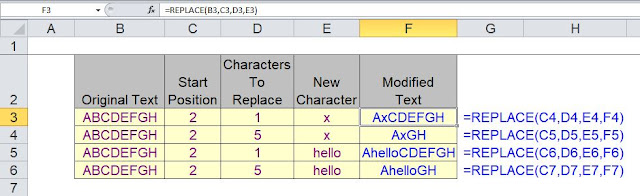
SUBSTITUTE Check below example and try to use in excel in real time for better understanding Blue text start with "=" is the formula we used SUBSTITUE FORMULA What Does It Do ? This function replaces a specified piece of text with a different piece of text. It can either replace all occurrences of the text, or a specific instance. The function is case sensitive. Syntax =SUBSTITUTE(OriginalText,TextToRemove,TextToInsert,InstanceToUse) The InstanceToUse is optional, if it is omitted all instances will be substituted. Formatting No special formatting is needed. NOTE To cope with upper or lower case in the substitution you can use other text functions such as =UPPER(), =LOWER() or =PROPER() to ensure that the substitution will take place. Table 1 shows how differing text cases alter the result of the substitution. Table 1 TABLE 1 Table 2 shows how the =PROPER() function has been used to take account of the mixed cases. Table 2 TABLE ...